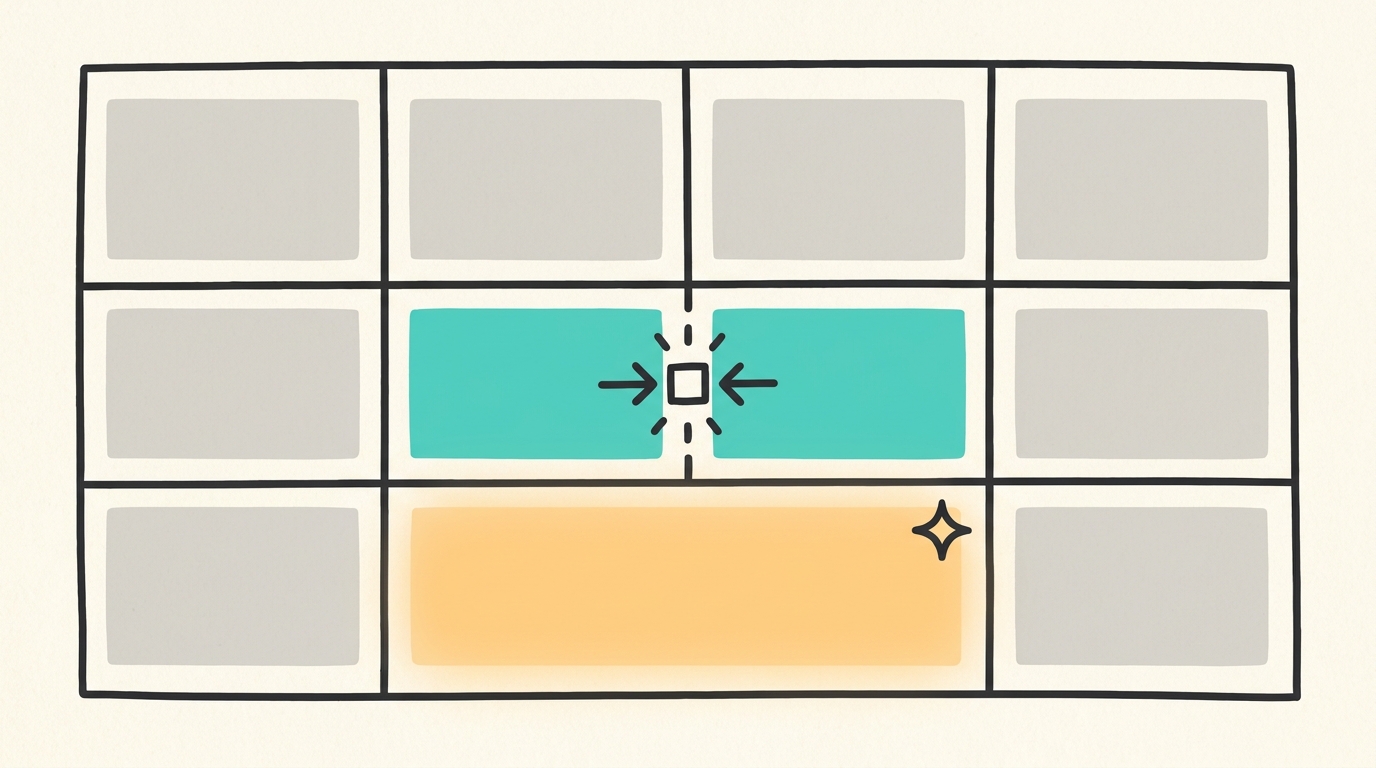
Notion Simple Tables Now Support Merged Table Cells

By
Alexander Gran
Founder & Editor
Updated: July 2026. This article covers Notion’s simple table cell merge feature, released May 26, 2026, based on official Notion release notes. Notion continues active development — verify current feature availability at notion.so/releases.
Notion updated its simple table block on May 26, 2026 to support merging cells. The feature is live in the web and desktop apps. This is a formatting change to the basic table block — it does not affect Notion databases. Teams evaluating open-source alternatives to Notion with similar table and document features can compare AFFiNE, AppFlowy, and Anytype.
What changed
Simple tables in Notion now let users select multiple cells and merge them into one. Merged cells span columns or rows and display as a single cell in the rendered table. Unmerging restores the original cell structure.
This applies only to the simple table block — the lightweight table you insert into a Notion page for plain layout. Notion databases (with their properties, views, filters, and formulas) are a separate product and are not affected by this change.
What this fixes in practice
Before this update, creating a section header inside a simple table meant either using a separate heading block above the table, inserting a full-width row with background color, or restructuring the table around the limitation. Neither approach was clean, especially in longer tables.
With merged cells, you can now do the following inside a single table block:
- Create spanning header rows for grouped sections
- Build side-by-side comparison layouts where one category spans multiple rows
- Add a summary row that spans all columns at the bottom of a table
- Group related items under a shared label without breaking into multiple tables
Where simple tables actually get used
Notion’s simple table block tends to show up in project pages, meeting agendas, SOPs, internal wikis, and client-facing documents where the goal is readable layout rather than data manipulation. That’s where merged cells help most: a status report with grouped sections, a pricing breakdown with a totals row, or a team roster organized by department.
For teams that use Notion pages as lightweight documents rather than as databases, the change removes a workaround that came up often enough to be noticed.
Limitations worth knowing
Merged cells add visual structure but also introduce some tradeoffs. Tables with merged cells are harder to convert into structured data, copy cleanly into spreadsheets, or process programmatically. Accessibility tools that read tables linearly may have difficulty parsing non-standard cell spans. If you plan to export or reuse the content outside Notion, a heading plus a standard unmerged table may still be the more portable choice.
The feature is also scoped to the simple table block. If you need sorting, filtering, rollups, relations, or any database functionality, Notion databases remain the right tool regardless of this update.
Who this matters to
Knowledge workers and small teams that use Notion pages as lightweight documents — meeting notes, project briefs, SOPs, agendas, client reports — will find this useful when they want to add visual grouping to a table. It is a small quality-of-life change, not a platform shift.
Teams working primarily in Notion databases or using Notion for data workflows can skip this update entirely.
Full details are in the Notion release notes for May 26, 2026.