AFFiNE vs. AppFlowy vs. Anytype: Which Open-Source Notion Alternative Fits Your Workflow?

By
Alexander Gran
Founder & Editor
Updated: July 2026. This comparison is based on the official documentation, public repositories, and release notes of each project as of July 2026. It is a structural analysis, not a review from long-term production use. Feature sets in this category change fast — verify current specifics against each project’s own docs before committing to a migration.
AFFiNE, AppFlowy, and Anytype each position themselves as an open-source alternative to Notion. All three are open-source (AGPL for AppFlowy, AGPL for AFFiNE, and open-source under the Any Source Available License for Anytype), all are local-first in some sense, and all handle notes, databases, and project tracking. If you’re weighing Notion itself against other closed-source alternatives, our Notion vs Obsidian and Coda vs Notion comparisons cover that side of the decision. This article focuses on the open-source side. The differences that matter are in the workflows they support well, the collaboration model they use, and the tradeoffs they make between openness and convenience.
This comparison covers what each tool does well according to its own documentation, where each one has known limitations, and how to decide which one fits a specific workflow without switching twice.
Quick decision guide
If you’re short on time, here’s the practical match based on each project’s stated positioning and current feature set.
- AppFlowy — best for solo users or small teams who want fast native apps, offline-first behavior, and a clean Notion-like interface. Real-time collaboration is available in AppFlowy Cloud, but the feature set is less mature than AFFiNE’s according to both projects’ public roadmaps.
- Anytype — best for individuals who prioritize privacy and end-to-end encryption. Built on Any-Sync, a CRDT-based local-first protocol. Object-based data model has a real learning curve. Collaboration features are shipping but narrower than the others.
- AFFiNE — best for teams that need real-time collaborative editing combined with whiteboard-style visual planning (“docs meet Miro” is the project’s own positioning). Handles Notion-style block content most directly. More complex than AppFlowy; requires more setup for self-hosting.
None of these is a universal upgrade from Notion. Each one makes tradeoffs that Notion doesn’t. Evaluate based on your specific workflow for the next 12 months, not based on feature lists.
Architecture: what makes each tool different under the hood
AppFlowy is built with Rust and Flutter (per its GitHub README), which favors fast native desktop and mobile clients. The tradeoff of being Flutter-first is that browser-based access is a secondary path — the web experience matters less to the project’s positioning than the native apps.
Anytype runs on Any-Sync, an open-source CRDT-based protocol built for local-first collaboration. Every item in Anytype is an “Object” — a task, a note, a person — connected in a graph rather than a hierarchy of pages. Data is stored locally on each device and, optionally, on encrypted backup nodes (Anytype calls them “sync nodes”). End-to-end encryption means the backup nodes can hold your data without being able to read it. Files use IPLD data structures rather than pure IPFS — a distinction the Any-Sync docs make explicit.
AFFiNE is TypeScript-heavy with a Rust core. Real-time collaboration is built on CRDT primitives, the same family of data structures that inspired Figma’s multiplayer stack (Figma’s own engineering blog is careful to note their implementation isn’t a pure CRDT). AFFiNE supports both a desktop app and browser-based access, and offers Google Docs-style cursor-tracking collaboration in its cloud and self-hosted editions.
Note-taking and the canvas factor
This is where the tools diverge most clearly.
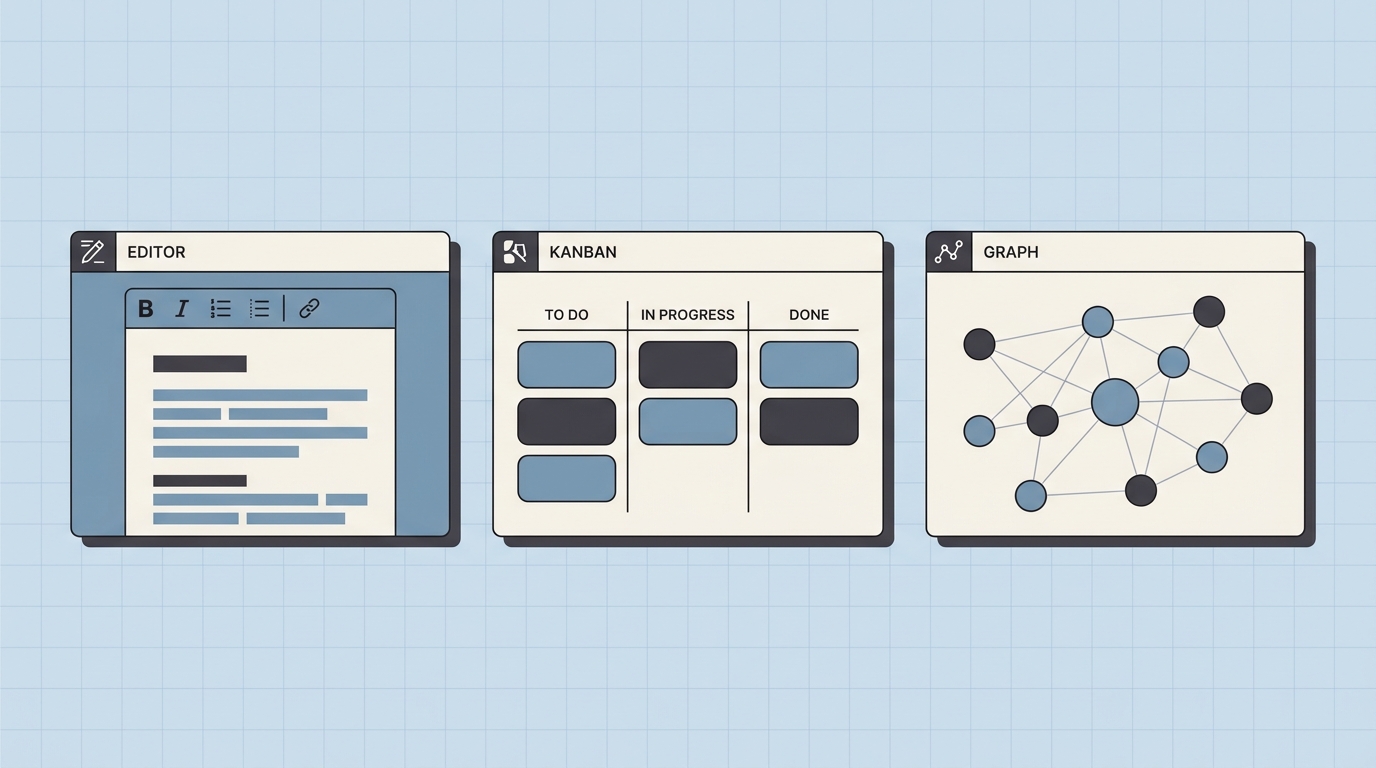
AppFlowy is structurally a Notion-style block editor: pages, grids, kanban boards, databases. It doesn’t have a freeform whiteboard or canvas mode. If a workflow needs a diagram or visual element next to text, that has to happen inside the block system or in an external tool.
Anytype uses an object-based model that requires defining the type of every item created. That’s what makes it powerful for building a personal knowledge graph — and what makes quick capture slower than in a plain block editor. Anytype’s own onboarding walks new users through Object types and Sets before ordinary note-taking, which reflects the design intent. “Sets” and “Collections” are flexible views, but they require configuration before they’re useful.
AFFiNE has an “Edgeless Mode” — a freeform whiteboard that lives on the same canvas as documents. A project brief can start as a text document, then switch to Edgeless to draw a flow diagram around the text, add sticky notes, and link visual elements back to structured pages. For creative workflows or planning sessions that move between writing and diagramming, this is the differentiator AFFiNE leans on in its own marketing (“Write, Draw and Plan All at Once”). If the whiteboard side is the whole reason you’re looking, our roundups of online whiteboard apps and self-hosted Miro alternatives compare the dedicated tools in that category.
Migrating from Notion
If you’re coming from Notion with an existing workspace, migration quality matters.
AppFlowy supports importing from Notion via HTML/Markdown export. Basic text and kanban boards transfer cleanly. Complex relational databases — Notion’s relations, rollups, formulas — typically require manual cleanup after import; this is documented in AppFlowy’s migration guide.
Anytype converts Notion blocks into Anytype Objects during import, which creates structural mismatches for anything relying on Notion’s relational databases. A large, structured Notion workspace will not port cleanly. Anytype’s community forum has a running thread on Notion migration limitations that is worth reading before committing.
AFFiNE provides a Notion importer for HTML and Markdown exports. Because both tools are block-based, headers, images, and text layout preserve well. Databases still require review, but the structural mapping is more direct than in the other two. Our step-by-step guide to importing Notion data into AFFiNE walks through the actual workflow, including which properties transfer cleanly and which need manual reconstruction.
Collaboration
AppFlowy: Real-time collaboration ships in AppFlowy Cloud, but the concurrent-editing experience (live cursors, presence) is documented as still maturing on the project’s roadmap. Sync between team members works; live co-editing is not yet at Google Docs parity.
Anytype: Sharing and multi-user Spaces are supported via the Any-Sync protocol, with ACLs governed by a consensus node. In practice this is more suited to small groups and personal use than to real-time team editing. The protocol emphasizes correctness over immediacy.
AFFiNE: Built for collaboration from the start. Multiple users can edit the same document or whiteboard simultaneously. CRDT-based conflict resolution handles offline edits cleanly. This is the closest of the three to Google Docs-style team editing.
Self-hosting and data ownership
All three are local-first, but “local-first” means different things in practice:
- AppFlowy: Open-source (AGPL). Full self-hosting via the official guide. AppFlowy Cloud provides a managed option for those who don’t want to run their own infrastructure.
- Anytype: Data stored locally on devices, with optional sync/backup nodes on the Any-Sync network. End-to-end encrypted; backup nodes cannot decrypt content. Users can also self-host backup nodes for full autonomy. Pricing structure has stabilized around larger shared spaces and network resources.
- AFFiNE: Docker container available for self-hosting. Cloud edition offers a free tier and paid plans that cover storage, team collaboration, and GDPR-compliance features for teams that don’t want to run infrastructure themselves.
If the choice between running your own instance and paying for a managed one is what’s actually holding you back, our overview of the hosted vs self-hosted knowledge base tradeoff lays out the operational costs on each side.
Who should not switch yet
All three tools have areas where they’re not ready to replace Notion for certain use cases:
- Teams that need guaranteed SLAs or enterprise admin controls — none of these offer that at Notion’s level today
- Teams that rely heavily on Notion’s third-party integrations (Slack, GitHub, Jira, Zapier) — integration ecosystems are smaller
- Teams with advanced Notion database automations or API-based workflows — port cost may be high
- Non-technical teams who need predictable onboarding — Anytype in particular has a documented learning curve that can slow adoption
How to decide
Before committing: spend 20 minutes building the same mini-workspace in each tool you’re considering. Create a project brief, a task list, a simple table or database, a meeting note, and export a backup. The one that takes the least effort to complete that circuit is likely the right fit for a workflow — not the one with the most impressive feature list.
Avoid switching if a current workspace is stable and the appeal is primarily novelty. Migration costs are real, and the productivity loss during transition is rarely accounted for in tool evaluations.
Sources and further reading
- AFFiNE — GitHub repository and README
- AppFlowy — GitHub repository and README
- Any-Sync protocol overview (Anytype tech docs)
- Figma engineering — How Figma’s multiplayer technology works (context for CRDT-inspired systems)
Related reading
- Best Note-Taking Apps for Work — broader roundup that covers closed-source options alongside open-source ones
- Notion vs Obsidian — if the local-first/graph angle is what’s drawing you to Anytype, this is the closer head-to-head
- How to Import Notion Data to AFFiNE — practical migration workflow
- Open-Source ClickUp Alternatives Worth Comparing — if project management is the primary need, not documents
- Hosted vs Self-Hosted Knowledge Base: Key Trade-Offs
- Self-Hosted Miro Alternatives — for the whiteboard side of AFFiNE’s positioning