HubSpot Agent CLI: Practical Checks Before Small Teams Try It

By
Alexander Gran
Founder & Editor
Updated: July 2026. This article covers the HubSpot Agent CLI announced May 27, 2026, based on official HubSpot product announcements. The CLI was in private beta at publication — verify current access and availability at developers.hubspot.com.
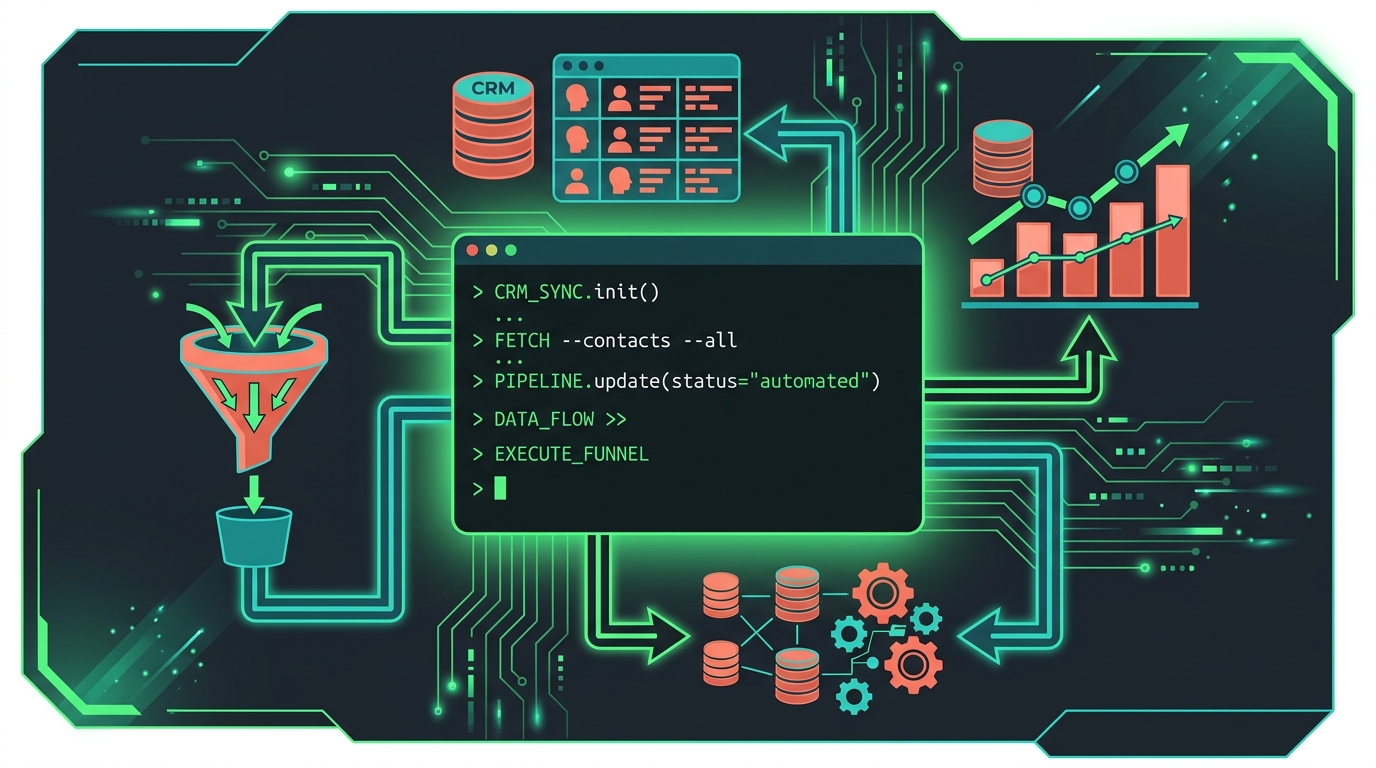
HubSpot announced the HubSpot Agent CLI on May 27, 2026, adding a command-line interface to the ways agents and automation tools can interact with HubSpot data and actions. The CLI is in private beta, and anyone interested can sign up for access through HubSpot’s product updates page. Until more teams have tested it in production, the useful questions to answer are access requirements, what it actually does, and what to check before connecting it to live data.
What the Agent CLI does
The CLI is designed for repetitive, bulk, and scheduled work that benefits from running without a human in the loop. HubSpot’s examples include: automated Monday morning reports flagging high-fit contacts with no recent sales activity; daily pipeline scans for deals that have gone quiet; Customer Success account reviews that summarize open deals, support tickets, and NPS scores; and support automations that summarize ticket history when a high-priority account opens a new case.
The work runs in the background and is ready when the team arrives, rather than requiring someone to ask HubSpot for the same information repeatedly. HubSpot says the CLI works with agentic environments including Codex, Claude Cowork, and Claude Code. Teams familiar with AI agent workflows from tools like Cursor’s agent management system will recognize the pattern: background agents completing tasks, results ready for human review.
It’s built on the same foundation as HubSpot’s public API and MCP server, which already power AI Connectors in Claude, ChatGPT, and other tools. The CLI is positioned as a complement, not a replacement: AI Connectors and MCP are described as better suited to interactive, human-in-the-loop work; the CLI handles the scheduled and bulk tasks that need to run on their own.
Access and availability
As of May 27, 2026, the HubSpot Agent CLI is in private beta. Access requires signing up through the product updates registration page. HubSpot has not publicly specified which plans include CLI access during the beta period, what authentication method the CLI uses, or what operating systems are supported.
Before investing time in setup: verify whether your HubSpot plan qualifies for beta access, confirm the install method and authentication requirements from HubSpot’s developer documentation, and check whether the beta is available in your region. These details may not be fully documented until the beta progresses.
Workflow implications for technical teams
A CLI changes how HubSpot-heavy operations teams can structure their automation. Work that currently requires clicking through the HubSpot UI repeatedly — pulling reports, scanning lists, running lookups — can in principle become a terminal command or a scheduled script. Teams already using Codex or Claude Code for other automation may find it relatively straightforward to add HubSpot-related steps to existing workflows.
For non-technical marketing or RevOps teams without terminal users, the CLI’s utility depends on someone owning the integration, maintaining the scripts, and handling failures. It’s not a no-code interface — it requires technical capacity to build and maintain.
What to check before connecting it to live data
CLI tools that interact with CRM data introduce credential and access-control risks worth addressing explicitly:
- Store authentication tokens in secure credential management, not in scripts or shared files
- Use least-privilege API access — request only the scopes the automation needs
- Start with a sandbox or test account if your HubSpot plan supports it
- Document every command or automation built against the CLI, including what data it accesses and what it changes
- Avoid automating customer-facing actions until you’ve confirmed that behavior, rate limits, rollback options, and error logging work as expected
- Clarify who owns the CLI integration if the team member who built it leaves
AI-agent features connected to live CRM data can also introduce data exposure and audit concerns. Check whether HubSpot’s data processing terms for the CLI match your organization’s compliance requirements before running it against production data.
Who should look at this now
HubSpot-heavy teams with a technical operator — a RevOps engineer, a developer who manages HubSpot integrations, or someone already running automation through HubSpot’s API — are the natural first users. If you regularly run the same HubSpot reports or queries, and would benefit from them running on a schedule without manual intervention, the CLI is worth evaluating once beta access is available.
Teams without technical capacity should wait for clearer documentation and examples before investing time. The practical value of a CLI depends entirely on someone being able to maintain the scripts it powers.