Buffer’s API Is Open: What Small Teams Can Automate

By
Alexander Gran
Founder & Editor
Updated: July 2026. This article covers Buffer’s API launch, based on official Buffer developer documentation and Buffer’s engineering blog. Verify current endpoint availability and rate limits at developers.buffer.com before building workflows.
Buffer has opened its API to all users, including those on free plans. The release includes a public GraphQL API, an MCP server for connecting AI tools, and a CLI for scripting and automation. For teams that manage social content across multiple channels or want to connect Buffer to other parts of their workflow, this changes what’s possible. For teams happy with Buffer’s existing interface, it doesn’t change anything about day-to-day use.
What the API makes possible
Buffer’s public API is GraphQL — a query format where you ask for exactly the fields you need and get structured responses back. Buffer’s developer documentation describes a strongly typed schema with autocomplete support in code editors, a changelog that stays in sync with the API, and an interactive playground at developers.buffer.com where you can explore and run queries against your actual Buffer account without writing code first.
The API covers scheduling and publishing posts, managing queues, and interacting with your Buffer account programmatically. OAuth is fully managed, so third-party apps built on top of Buffer don’t require custom authentication flows.
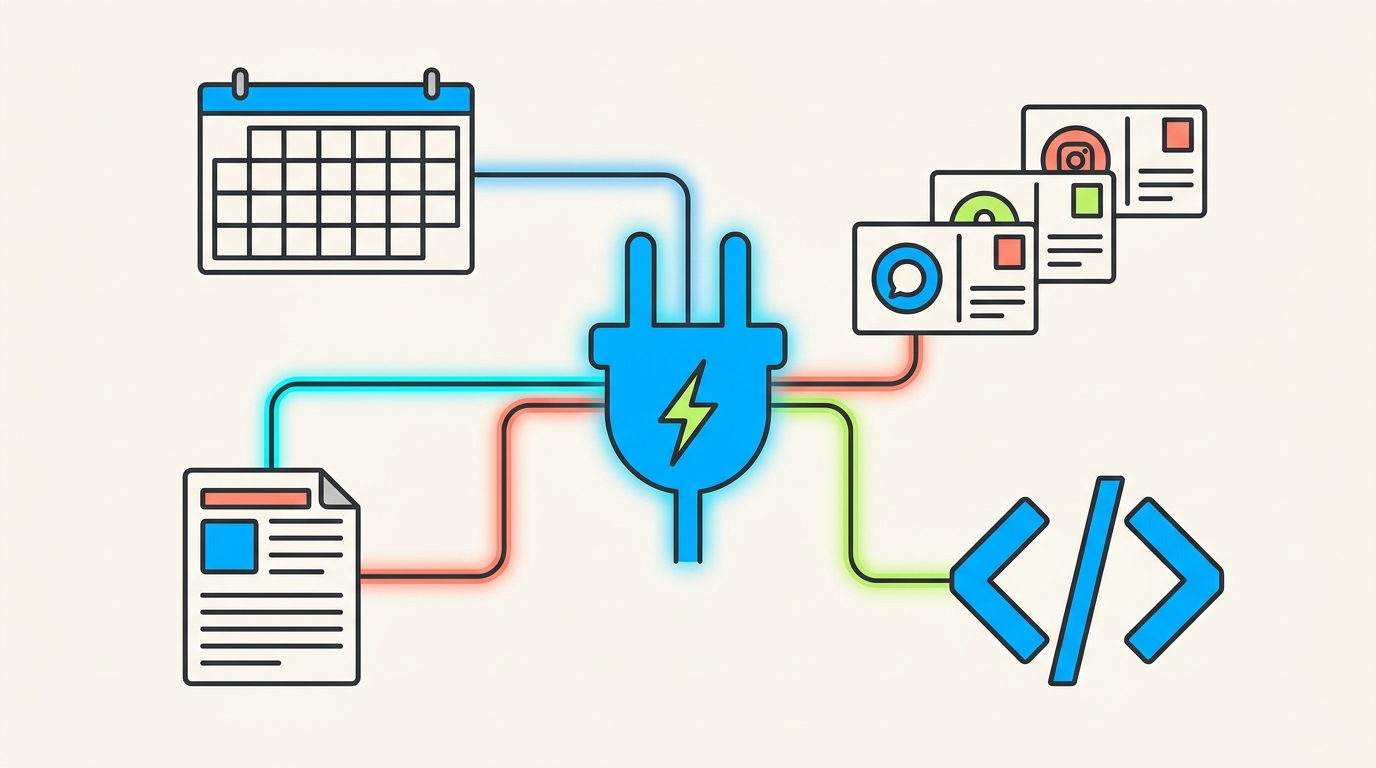
What this enables in practice: connecting a content calendar in Notion, Airtable, or Google Sheets to automatically populate Buffer’s schedule; building a client approval workflow where approved posts move into the queue without copy-paste; adding a Buffer step to a content production pipeline; or pulling publishing data into a custom analytics dashboard.
The MCP server for AI tools
Buffer’s API includes an MCP (Model Context Protocol) server, which lets AI tools like Claude, ChatGPT, Cursor, and Perplexity connect to Buffer and act on it directly. Instead of generating social post text that you then manually paste into Buffer, an AI tool with MCP access can draft posts, select channels, set times, and add them to your queue — from the same conversation window where you’re working. This is part of a broader pattern of AI tools gaining direct action capability through MCP — see also how agentic AI bots handle multi-step tasks for a comparable workflow pattern.
Buffer’s own team reports using the MCP and Claude to plan and queue content for personal accounts. Whether this workflow is useful depends on how much of your social content planning happens in AI chat versus elsewhere.
The CLI for developers and automation builders
The CLI lets developers interact with Buffer through terminal commands. Buffer’s engineering team describes it as treating Buffer “the way you treat the rest of your stack: something you can script, version-control, and automate.” A use case from the announcement: adding a Buffer post as a one-liner in a deployment script, so publishing an announcement happens automatically when code ships.
The CLI is designed for teams that manage Buffer as part of a broader technical stack, not for non-technical users.
Integration with existing no-code automation tools
Buffer has already integrated with IFTTT, Make, and Zapier for the public launch. This means that connecting Buffer to most tools a small team already uses — newsletters, blogs, RSS feeds, content management systems — is available through existing automation platforms without writing code. Buffer’s integration directory is at buffer.com/integrations.
What to check before rebuilding your workflow
Before designing a custom workflow around Buffer’s API:
- Confirm which endpoints are available and what actions are supported — not all Buffer features may be accessible via API at launch
- Check rate limits in the developer documentation
- Clarify who owns the integration when it breaks — API-based workflows require maintenance
- Verify how authentication tokens are stored if the integration runs in a shared script or CI environment
- Confirm app-review or developer account requirements if you’re building a tool others will use
- Test the failure state: what happens if a post fails to schedule, or the API is temporarily unavailable?
Who this is useful for now
Teams that currently copy content from a planning tool into Buffer manually will benefit most from the API and no-code integrations. If your content workflow already ends with someone pasting approved posts into Buffer, an automation connection is likely straightforward to set up via Make or Zapier.
Developers and technical operators who want to treat Buffer as part of a versioned, scriptable stack — posting on deployment, syncing from a CMS, building reporting dashboards — now have a documented API to build against.
Teams that are satisfied with the Buffer interface and don’t have meaningful manual transfer work in their workflow can ignore this for now.