Squarespace May 2026 Updates: Mobile Overrides and Quantity Limits

By
Alexander Gran
Founder & Editor
Updated: July 2026. This article covers Squarespace’s May 2026 product update, based on the official Squarespace May 2026 product updates post and Squarespace Help Center documentation. Feature availability and plan requirements may have changed — verify at squarespace.com before making changes to your site.
Squarespace published its May 2026 product update on May 27, covering two new features: Mobile Overrides and Quantity Limits. Both are available now for Squarespace 7.1 websites, and both address common friction points for site owners managing layouts and inventory. This article covers what each feature does, who it affects, and what to check in your account.
Mobile Overrides
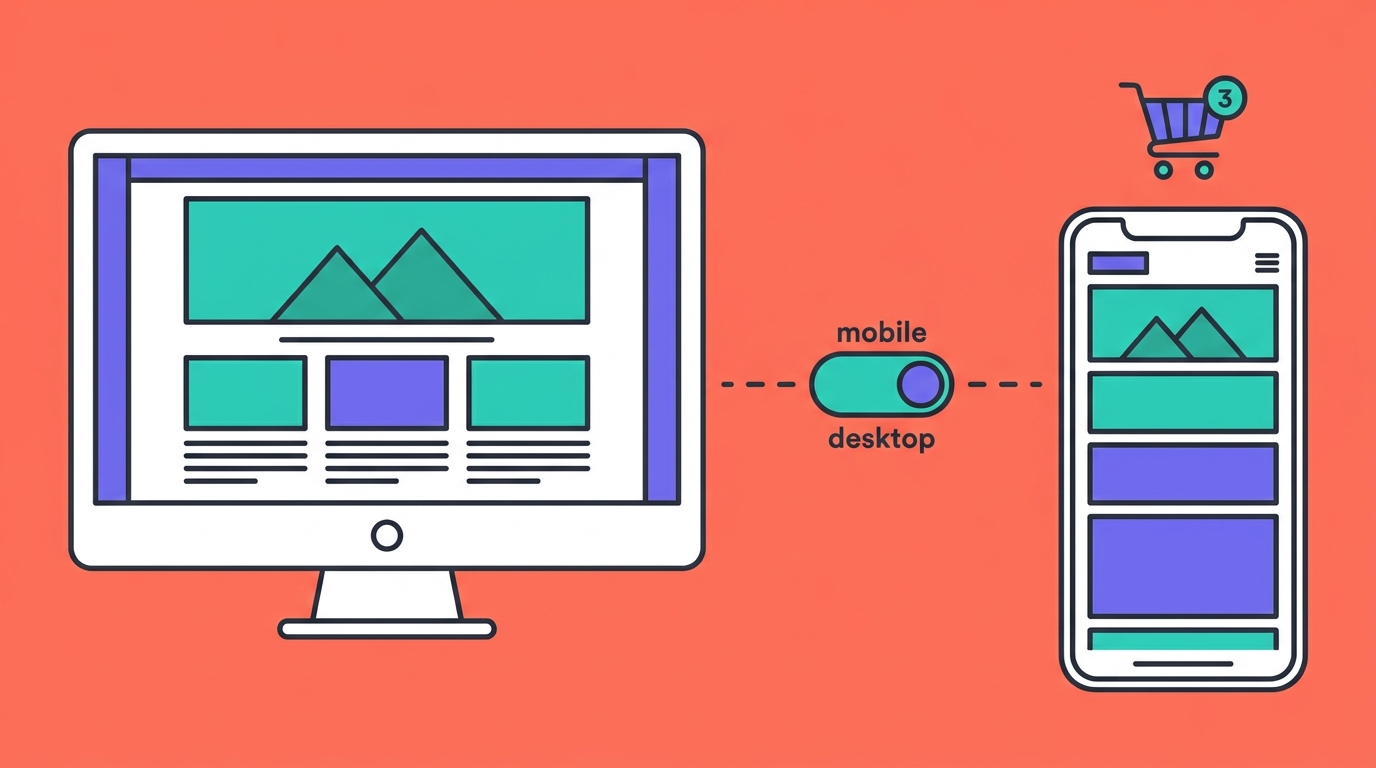
Mobile Overrides lets you adjust block design properties independently for mobile without changing your desktop layout. Previously, design changes in Squarespace 7.1 applied to both desktop and mobile simultaneously — fine for most edits, but limiting when you needed tighter control over how elements render on smaller screens.
With Mobile Overrides, your desktop design remains the base, and you can now make separate mobile adjustments on top of it. Content stays synced across devices; only the design properties change.
Specifically, you can customize supported Finish Layer settings on mobile, including:
- Transforms (position, scale, rotation)
- Animations
- Stacks (block arrangement and spacing)
A Reset actions menu lets you remove mobile overrides at any time or apply mobile edits back to the desktop version.
Who this affects: Site owners and designers who have been accepting suboptimal mobile layouts because desktop edits were too coarse. Particularly useful for portfolio sites, service pages, and landing pages where visual hierarchy matters differently on mobile.
What to check: Mobile Overrides is available now for Squarespace 7.1 websites. If you are on 7.0, it is not available. Check your version in Squarespace via Settings → General, or look for the feature in your editor’s block controls. Squarespace notes it is available for 7.1 sites — no specific plan requirement is mentioned for this feature in the update post.
Limitation: Only supported Finish Layer settings can be overridden — not all block properties. If the controls do not appear for a specific block type, that block may not yet support mobile overrides.
Quantity Limits
Quantity Limits lets you cap how many units of a physical product or service a single customer can purchase. You set a per-purchase maximum, and that limit appears throughout the shopping experience — on the product page, in the cart, and at checkout — so customers know what to expect before they reach the end of the flow.
Who this affects: Online store owners managing limited inventory, high-demand product drops, or bookable services where overbooking is a problem. Also useful for keeping purchases fair when demand exceeds supply — the classic example being limited-edition products or time-sensitive service slots.
What to check: Quantity Limits is available now on Core plans and higher on Squarespace 7.1 websites. It applies to physical products and services. Digital products are not mentioned in the update. To set limits, look in the product or service settings in your store panel. The limit displays automatically on the product page once set.
Limitation: Core plan or higher is required — if you are on a Personal plan, this feature is not available. The update specifies physical products and services; check your Squarespace help documentation for whether it extends to other product types.
What site owners should do next
- Check your Squarespace version. Both features require Squarespace 7.1. If you are on 7.0, neither is accessible without a site migration.
- Mobile Overrides: audit one key page. Pick a service page or landing page with a layout that has always looked slightly off on mobile. Mobile Overrides is the place to fix it without touching your desktop design.
- Quantity Limits: review high-demand products. If you have products or services that regularly sell out or get over-booked, this is a straightforward setting to enable. Check plan eligibility first.
- Notify anyone who edits your store or pages. Both features introduce new controls that team members or clients who manage content should know about before they start experimenting.
Neither update requires immediate action. Mobile Overrides is additive — your existing layouts are unchanged until you apply overrides. Quantity Limits only activates when you configure it per product.
Full details are available on the official Squarespace May 2026 product updates post and the Squarespace Forum.