Linear Diffs Brings Code Review Into the Linear Issue Workflow

By
Alexander Gran
Founder & Editor
Updated: July 2026. This article covers Linear Diffs, based on the official Linear changelog (linear.app/changelog, May 28, 2026). Verify current feature availability and plan requirements at linear.app before planning a workflow change.
On May 28, 2026, Linear launched Linear Diffs, a native code review feature that lets developers review pull request diffs directly inside Linear without switching to GitHub. The release follows Linear’s expanded code intelligence features and continues the pattern of pulling developer tooling into the issue management workflow rather than requiring context switches to separate tools.
What Linear Diffs does
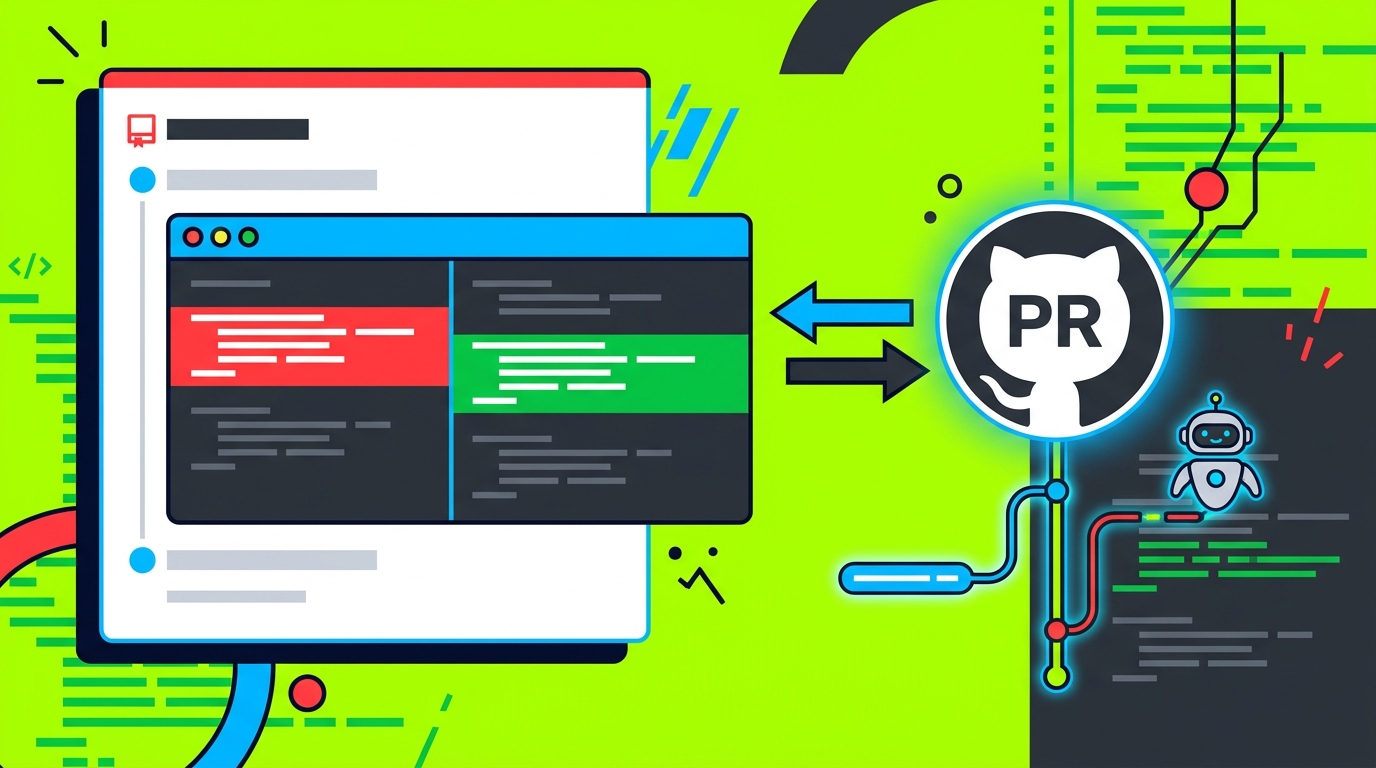
Linear Diffs makes code review accessible from within a Linear issue. When a PR is linked to an issue, the developer can open the diff view, review changes, and have all review activity synced back to GitHub — without opening GitHub separately.
The specific features:
- Diff viewer: Unified or split diff view with customizable themes, accessible directly from a Linear issue
- GitHub sync: All review activity — comments, approvals, change requests — syncs back to GitHub, so the PR record stays complete regardless of where the review was done
- Real-time updates from coding agents: When a coding agent is making changes to a branch, the diff updates in real-time inside Linear. This eliminates the need to check out the branch locally just to see what an agent is currently doing
- Guided Reviews (Beta): For large PRs, organizes the review by showing core changes first with explanations, and separates secondary code from critical modifications to help reviewers prioritize
- Review Inbox: A centralized view of review notifications alongside other Linear work items, with a dedicated Reviews tab that sorts open reviews by shipping priority
Linear Diffs is available on all Linear plans. Guided Reviews is free during beta but limited to Business and Enterprise customers. The feature requires upgrading the GitHub integration to grant Linear code access — admin-enabled in workspace settings.
Why the agent integration matters
The most practically relevant aspect of Linear Diffs for teams running AI coding agents is the real-time diff update feature. When an agent is iterating on a branch — making changes, running tests, adjusting based on results — the traditional workflow is: wait for the agent to finish, then check out the branch locally, or watch the GitHub PR for updates. Linear Diffs surfaces those changes as they happen inside the issue context.
For teams using Linear as the central work management layer, this means the review loop for agent-generated code doesn’t require a context switch. The developer managing the agent’s work can see what’s changing, comment on specific lines through GitHub sync, and continue managing other work in Linear simultaneously.
This is a meaningful workflow improvement over the manual alternative, especially for agents handling multi-commit sequences — the reviewer sees the full progression without needing to pull down branches repeatedly.
Guided Reviews and the large PR problem
Large PRs are a known friction point in code review — reviewers faced with 500+ line diffs tend to either review superficially or avoid reviewing entirely. Guided Reviews (Beta) addresses this by organizing the diff: core changes first with explanations, secondary code separated from critical paths.
The value of this depends on the quality of Linear’s analysis of what constitutes “core” versus “secondary” for a given PR. That’s worth evaluating in practice before relying on it for consequential reviews. The feature is free during beta for Business and Enterprise customers, which provides a low-cost window to test it against real PRs before it becomes a paid feature.
What doesn’t require immediate action
Teams not using Linear as their issue tracker don’t need to take action here. The Diffs feature only applies within the Linear workflow; it doesn’t change anything about how GitHub itself works or how code review works in other tools.
Teams already using Linear who prefer to review code in GitHub can continue doing so — Linear Diffs is an option, not a replacement. The GitHub sync means review activity recorded either place is visible in both.
What to do now
If your team uses Linear and has the GitHub integration active, review the admin settings to enable code access for Linear Diffs. Test the real-time diff view on a PR that’s currently being worked on by a coding agent to evaluate whether the workflow improvement is meaningful for your team’s specific setup.
For Business and Enterprise customers, the Guided Reviews beta is worth running against a few large PRs to gauge how well the prioritization works on your codebase’s diff structure. The beta window is the right time to evaluate it before any pricing changes.
For broader context on AI coding agent workflows, see how Cursor is evolving from autocomplete to agent management — the parallel pattern to what Linear Diffs enables on the review side. For teams focused on monitoring and debugging agents in production, BentoLabs AI approaches production agent observability as the downstream complement to the development workflow.
Source: Linear changelog (linear.app/changelog/2026-05-27-linear-diffs, May 28, 2026). All facts sourced from official release notes.