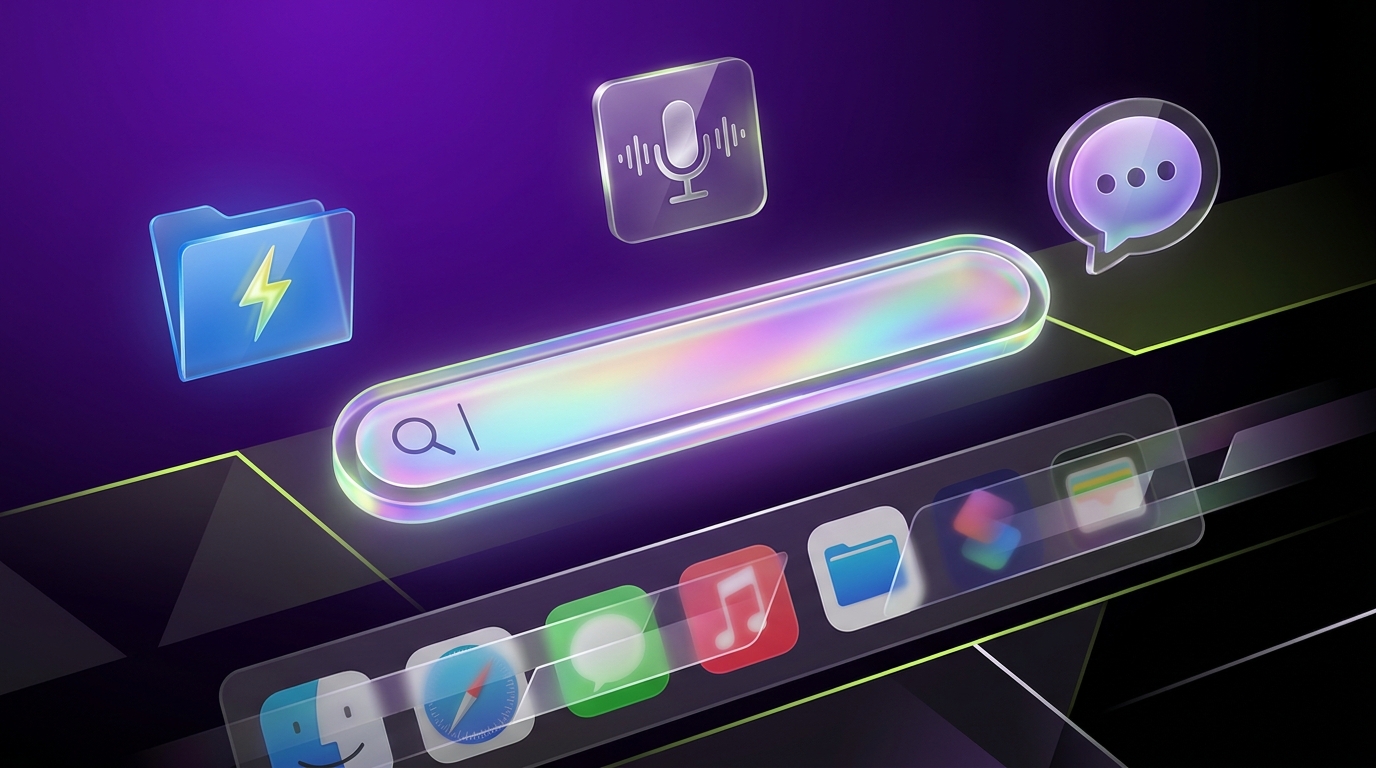
The New Raycast Redesigns the Interface for macOS Tahoe With a Custom File Indexer

By
Alexander Gran
Founder & Editor
Updated: July 2026. This article covers the Raycast public beta for macOS Tahoe, based on the official Raycast announcement (raycast.com/blog, May 14, 2026). The beta was ongoing at publication — verify which features have shipped to stable and which remain in beta at raycast.com before switching from the current stable version.
On May 14, 2026, Raycast launched a public beta of a rebuilt version of its launcher app, available at raycast.com/new for macOS Tahoe. The new version is a significant overhaul: a visual redesign from scratch, a custom-built file indexer replacing the previous Spotlight dependency, native global dictation, and AI features that now share a unified interface across quick queries and longer conversations.
What changed
Visual redesign. Raycast describes the new version as a “pixel-level reconstruction” with Liquid Glass design elements — a complete rebuild of the interface visuals while maintaining the professional aesthetic the current version is known for. The look is updated for macOS Tahoe rather than being a cosmetic refresh of the existing design.
Custom file indexer. The previous Raycast relied on Spotlight for file and folder search. The new version includes a custom-built indexer that scans the entire disk in seconds and keeps results fresh without depending on Spotlight’s indexing state. Root Search now includes files, folders, and contacts alongside the existing commands and apps. For users who found Raycast’s file search less reliable than its command search, this is a practical improvement.
Global dictation. Built-in dictation with system-wide support is now included. It supports tone customization per app — different dictation behavior in a notes app versus a terminal, for example — which is more useful than a single global voice mode. Dictation is included free during the beta period.
AI interface update. Quick AI and AI Chat now share a single composer. The AI Chat interface has context memory from previous conversations, and Raycast automatically integrates skills from installed Mac extensions, so the AI has awareness of what tools are in use. Users can configure an AI Profile to set behavior and tone preferences. All major model providers are accessible; GPT-5.4 mini is included free during the beta.
Other changes. Tags for Snippets, Quicklinks, and AI Commands for organization. Clipboard History now captures original formatting rather than just plain text. Window Management adds a Toggle Grid Overlay command. Enhanced hotkey recorder with fn key support, left/right modifier binding distinction, and better international keyboard support. Settings interface overhauled.
What’s not in the beta yet
Raycast has explicitly listed features not yet included in the public beta: Cloud Sync, Raycast Focus, larger font sizes, and Local LLMs. These are noted as coming during the beta period. Teams or individuals who depend on any of these features should not switch to the new version yet — the beta is not a drop-in replacement for the current stable version if those features are in active use.
Who should care
The custom file indexer is the most broadly useful change for Raycast’s existing user base. File search was the most reported weak point of the current version — it was inconsistent depending on Spotlight’s state, especially on Macs with large file systems. The indexer replacement addresses this directly.
The dictation integration is relevant for users who currently use a separate dictation workflow — macOS native dictation, Whisper-based tools, or similar — and want a single integrated tool. Having tone customization per app is more useful in practice than a global setting, because the way people dictate into a messaging app differs from how they dictate into a document.
The AI interface changes are incremental improvements on the existing Raycast AI feature set rather than a fundamental shift. The unified composer and conversation memory are convenience improvements; the extension skill integration is the more architecturally interesting change if you have a complex Raycast extension setup.
What to do now
If you’re a current Raycast user on macOS Tahoe, the beta is available at raycast.com/new. Test it against your current workflow before committing — specifically check whether the features missing from the beta affect your daily use. If you rely on Cloud Sync or Local LLMs, wait until those features arrive in the beta before switching.
If you’ve evaluated Raycast before but found file search unreliable, the custom indexer is worth testing. That was the most common friction point reported by users who tried the tool but didn’t stick with it.
For context on AI search tools that complement a launcher like Raycast, see how Perplexity’s app connectors are turning AI search into a work layer — a different approach to surfacing work context through AI. For teams building more structured AI workflows beyond individual productivity tools, building a useful Discord bot with agentic AI covers the decision points for moving from AI queries to AI actions.
Source: Raycast official blog (raycast.com/blog/the-new-raycast, May 14, 2026). All facts sourced from official release announcement.